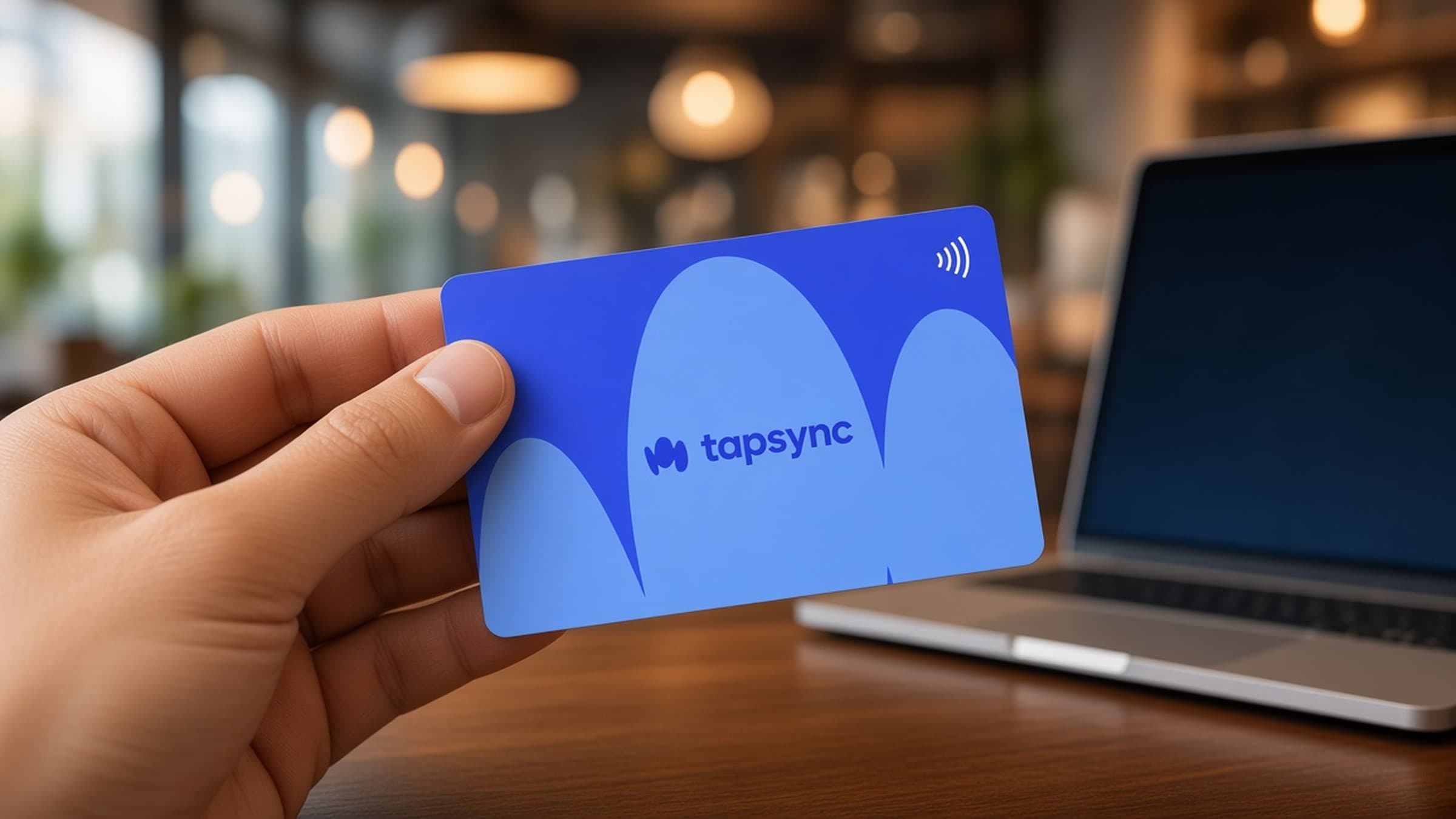
On iPhone XS and later, a compatible URL tag can be read without a TapSync app. The phone shows a notification. The person taps it to open the link. iPhone 7 through iPhone X do not offer that same background tap. Use the printed QR on those phones.
iPhone XS and later
Background tag reading. A suitable URL record can raise a notification. No TapSync app is required to open that web link.
iPhone 7 through iPhone X
These phones can read tags when a compatible reader app is open. They do not do the same app-free background notification. The QR is the simpler path.
When a tap is not available
Scan the printed QR. Behavior still depends on the phone, the iOS state, the tag format, and what was encoded.
What the person does.
01
Hold the iPhone near the product
The reading area is not the same on every model. The top is a useful place to start on many iPhones. Move the product a little if nothing happens.
02
Look for a notification
On iPhone XS and later, a compatible URL tag can raise a notification while the phone is in use. The person taps it. If the phone is locked, iOS asks for the unlock before the link opens.
03
Open the destination
The address is a TapSync link. Opening it needs a connection. A Digital Card shows the configured page. A Social card shows the chosen profile. Google Review shows the review page.
A TapSync card. Hold the iPhone near it. The top is a useful start on many models. There is no single antenna point for every iPhone.
Illustrative
NFC tag
Tap to open the link.
Not a screenshot of iOS. Apple’s own notice is what appears. TapSync has not published one from a tested iPhone.
The page that opens
A profile, a social destination, or a Google review page — whichever that product was set to.
The address is a TapSync web link. Loading it needs a connection.
NFC link sharing and Wi-Fi connection are different.
An NFC tap that opens a web link does not, by itself, connect the phone to a Wi-Fi network. Digital Cards, Social Cards, and Google Review store a TapSync web address. The person opens that address.
Smart Wi-Fi stores a Wi-Fi record on the guest chip and the guest QR: the network name, the password, and the security type. iPhone does not join that network from the NFC tap. Guests scan the guest QR with the camera and follow the connection prompt iPhone shows. That is the supported path, not a failed link tap. A separate QR on the back is for the owner. Smart Wi-Fi.
Using an older iPhone?
iPhone 7, 7 Plus, 8, 8 Plus, and iPhone X can read NFC tags, but not with the same background notification. Apple’s iOS 14 notes describe an NFC scan mode in Control Center for those models. That is a scan the person starts. It is not the app-free background read on iPhone XS and later. TapSync does not ship a reader app. The printed QR is the straightforward way to open the same link.
Apple’s current Core NFC article says iPhone XS and later support background tag reading. That later group includes iPhone SE (2nd generation) and iPhone SE (3rd generation). iPhone SE (1st generation), and iPhones earlier than the iPhone 7, do not support Core NFC tag reading. Use the QR. How a tap works · Help.
If your iPhone does not respond
Nothing appears
Move the product slowly around the top and the upper back. Background reading also needs the phone in a state Apple allows.
The phone is busy
Apple reads tags in the background only while the iPhone is in use. It also stays off until the phone has been unlocked once, in Airplane Mode, while the camera is in use, while Apple Pay Wallet is in use, and during another NFC reader session.
A notification is waiting
Tap the notification. On these phones the tap of the card is not always the tap that opens the page.
Use the QR
If the model cannot do the background tap, or the notification never appears, scan the printed QR. On a link product it opens the same destination.
The page does not load
The link opened. The phone still needs a working connection, and the destination saved on the account has to be the right one.
Wi-Fi does not join
A link tap does not join a network. For Smart Wi-Fi, scan the guest QR and follow the prompt that iPhone shows.
These steps do not fix every phone. If it still fails, write through the Help Center.
Apple’s documented compatibility
TapSync has not published a list of iPhone models, iOS versions, and dates tested in our own hands. The ranges above follow Apple’s current Core NFC article: iPhone XS and later support background tag reading, without an app. The system shows a notification. The person taps it. If the phone is locked, iOS asks for the unlock first. Reading happens only while the iPhone is in use, and not when the phone has never been unlocked, a Core NFC session is already running, Apple Pay Wallet is in use, the camera is in use, or Airplane Mode is on. An https address in the tag’s first URI record is a supported website URL. Link products are prepared as a tapsync.in web address. This page does not publish the NDEF bytes written at production.