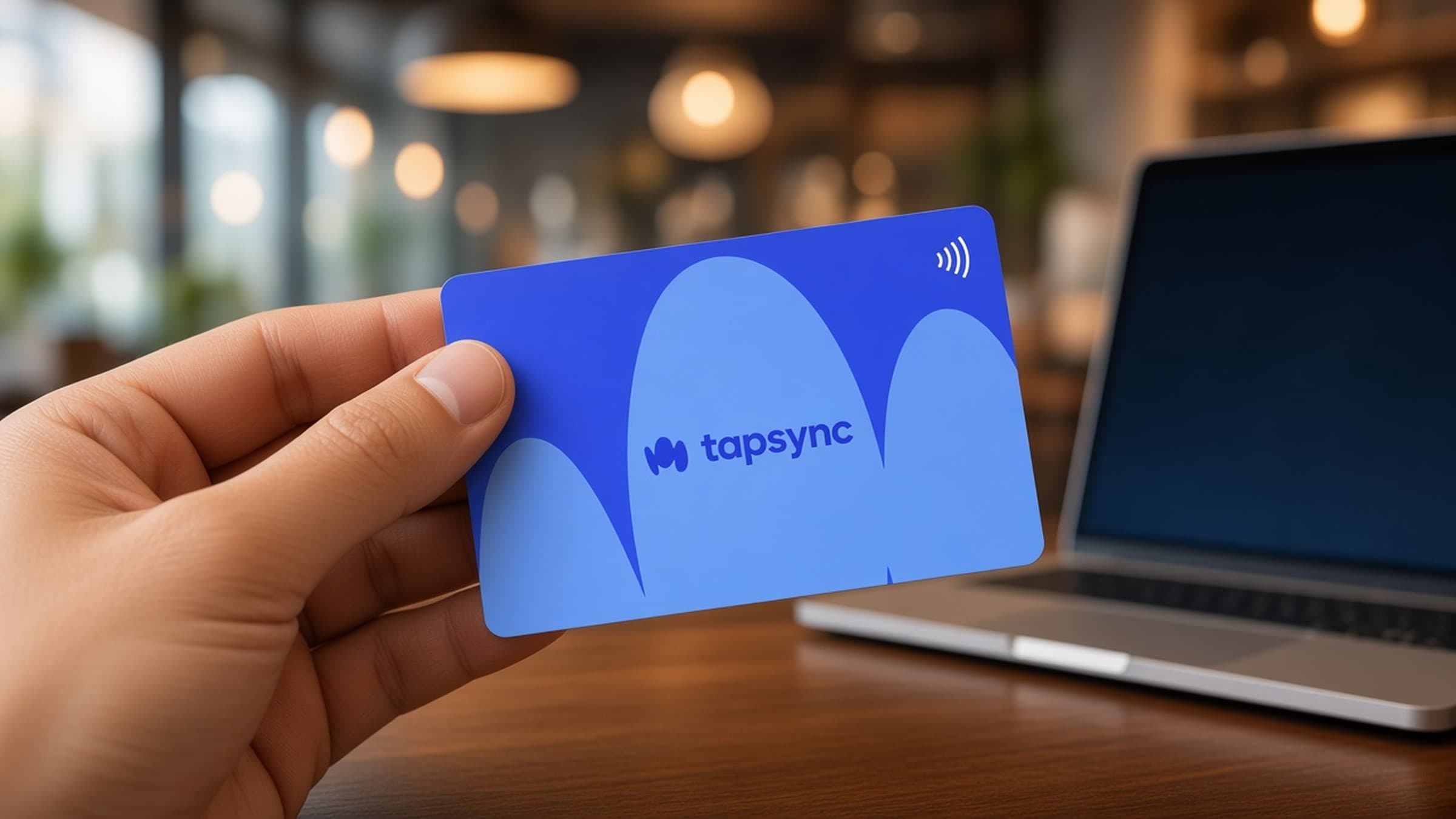
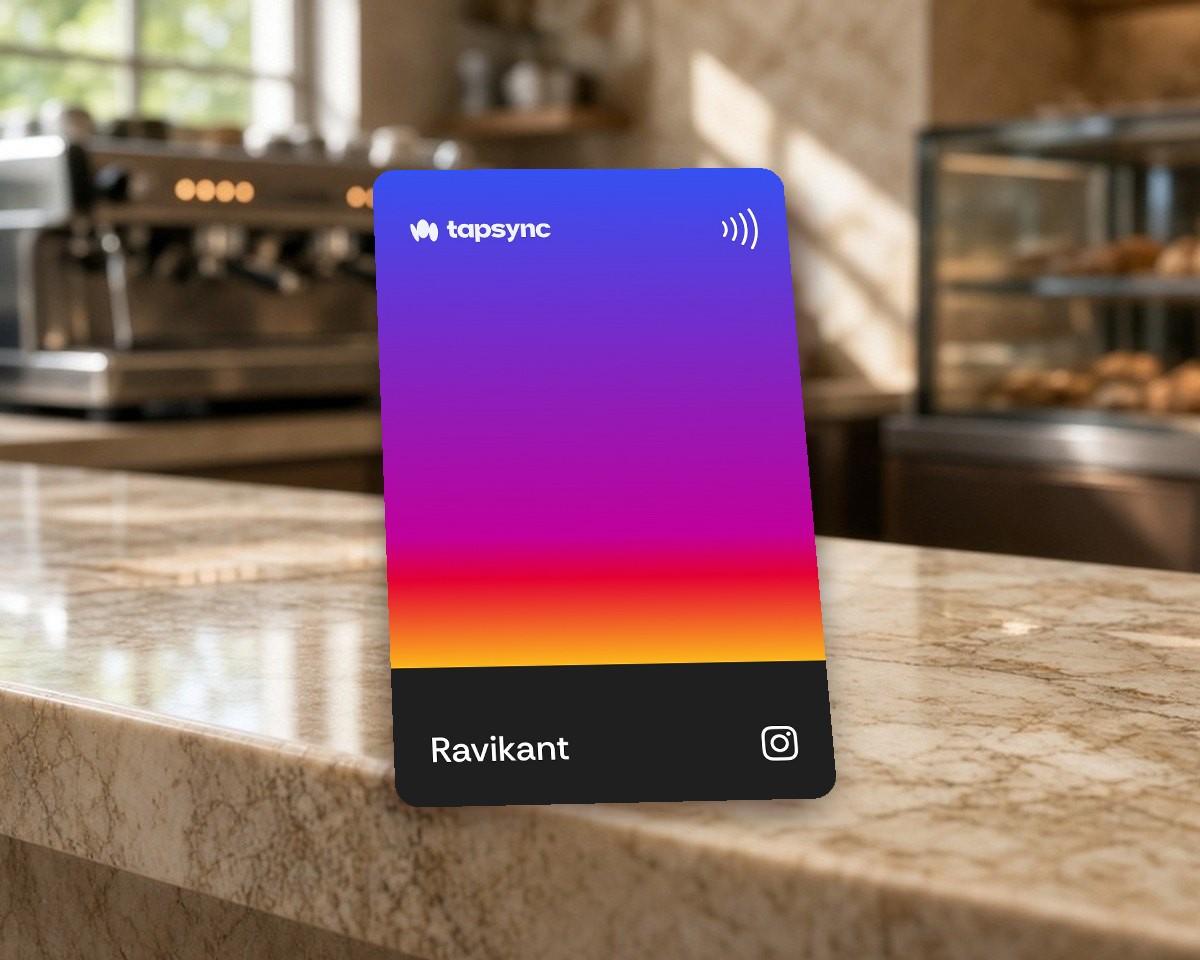
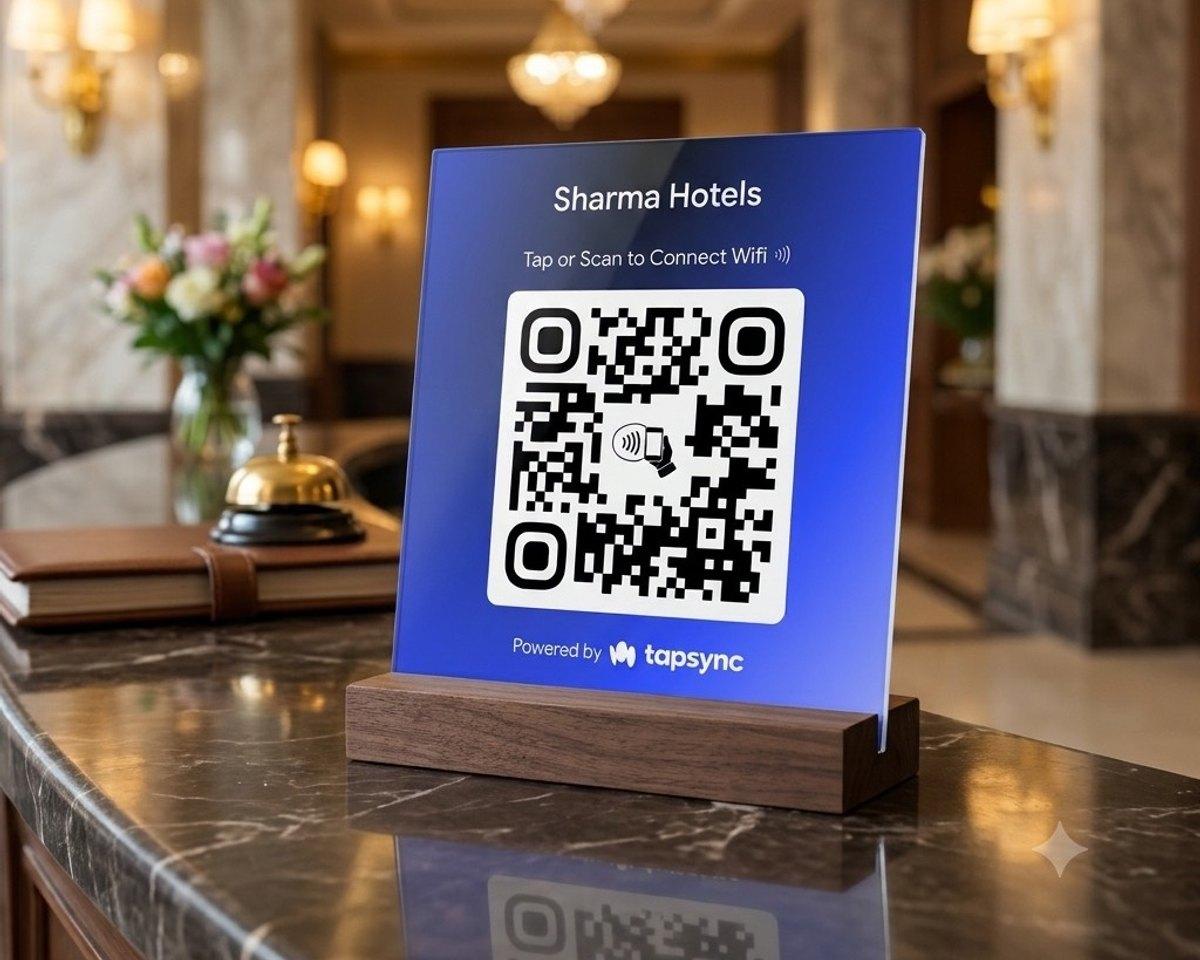
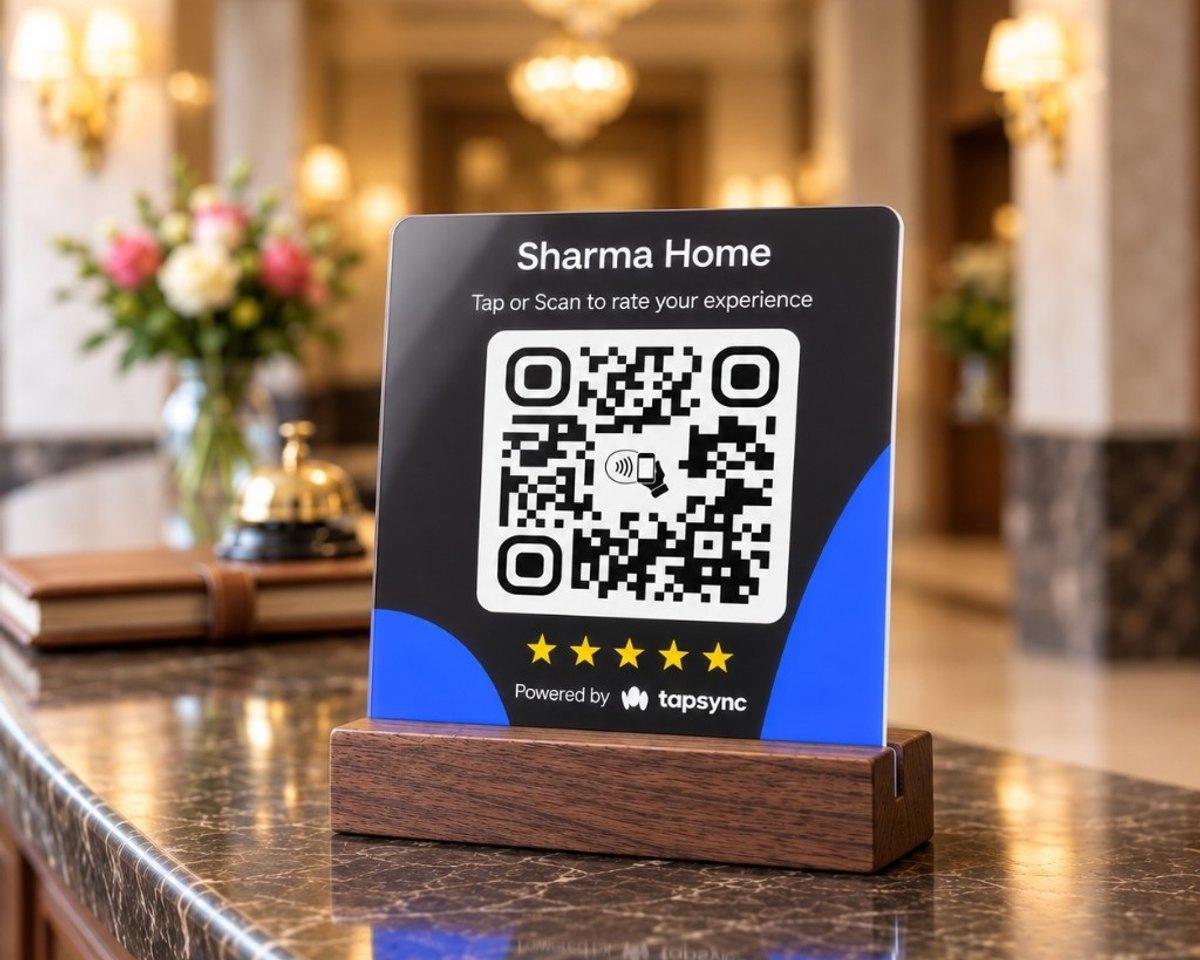
Tap a compatible phone against an NFC-enabled product to reach its configured destination. If the product includes a QR code, people can scan it with the phone camera instead.
What it does
A Digital, Social, or Review object carries a web link. Smart Wi-Fi carries a network join. They are not the same tap.
On their phone
The phone detects the tag and shows a prompt. The person still opens the link. A tap does not always load the page by itself.
A TapSync app
They do not install one to open the link. The phone still needs NFC or a camera, and a web page needs a connection.
Tap or scan. Then the phone. Then the result.
01
Tap or scan
Hold a compatible phone near the product, with NFC on. If a tap does not start, scan the printed QR. On a link product, that scan opens the same destination.
02
The phone responds
For a link product, the phone detects the tag and shows a notification or a link. The person opens it. That screen is the phone’s own, and it differs by model.
03
The destination opens
A Digital Card opens the configured TapSync page. A Social card opens the chosen social profile or page. Google Review opens the review page. The result is whatever was set for that object.
The physical object. Hold a compatible phone near it, or scan the QR printed on it.
On a link product
1The phone detects the tag
2A link or notification appears
3The person opens it
This sequence is representative. It is not a screenshot of one phone. A QR scan is the camera detecting the code and offering the same kind of link.
A web link and a Wi-Fi join are different.
Digital Cards, Social Cards, and Google Review store a TapSync web address on the chip and on the printed QR. The phone reads that address, the person opens it, and the page behind it is the one configured for that object — a profile, a social destination, or a Google review page. Log in later to change that destination. The next tap uses the new one. You do not reprint. How to change details.
Smart Wi-Fi does not store that web address. The guest chip and the guest QR store a Wi-Fi record: the network name, the password, and the security type you configured. A compatible Android phone can tap it and follow its own join prompt. iPhone does not join a network from that tap. Those guests scan the guest QR and follow the prompt their phone shows. A separate QR on the back is for the owner to sign in. Opening a link is not joining the network. Smart Wi-Fi.
No TapSync app is needed just to open a web link.
The person receiving a Digital, Social, or Review tap does not install a TapSync app and does not create a TapSync account. Their phone still has to support the tap or the camera scan. Loading the page needs a working internet connection.
The destination can still ask for its own app or a login. Instagram, WhatsApp, or YouTube may open in the app they already have, or in the browser. Wi-Fi follows the phone’s connection prompt, which is separate from opening a page.
The tag has no battery.
These products use a passive NFC tag. The tag does not need its own battery to answer a compatible phone. The phone does need power. Opening a web destination normally needs a connection. A Wi-Fi join uses the phone’s Wi-Fi, not a webpage stored on the tag.
Where to hold the phone.
There is no single spot that is right for every phone. A useful start, already on the Help page, is the top of an iPhone and the centre of the back on many Android phones. If nothing happens, move the product. This drawing shows the card near a phone. It does not mark an antenna.
Phone NFC reading areas vary by model. Move the card slowly if the first position does not work.
If the tap does not work
Nothing happens
Check that the phone supports NFC and that NFC is on. Hold the product near the phone for a moment, then try another spot.
The phone reads a different area
NFC antennas are not in the same place on every phone. Move the product slowly across the back, and near the top.
A case gets in the way
A thick case, or a case with metal, can block the read. Try again without it.
NFC is unavailable
Scan the printed QR. On a link product, that code opens the same destination as the tap.
The link opens, then fails
The phone needs a working connection to load a web page. Also check that the destination saved on the account is the one you intended.
Wi-Fi does not connect
Smart Wi-Fi is a network join, not a web page. Android can tap. iPhone guests scan the QR and follow that phone’s Wi-Fi prompt.
These steps do not cover every phone. If the object still fails, the Help Center is the next place.
One simple interaction. Different ways to use it.
Digital Cards
A tap or scan opens the professional page you configured — name, number, and the links you added.