Buying guide · India

NFC cards in India: choose the right card for what you want to share

An NFC card lets someone tap a compatible phone to open a destination you configured. A QR code is the other way in: they scan it with the phone camera. TapSync makes the physical object for a professional page, one social profile, guest Wi-Fi, or a Google review.

What is it?
A card or stand with a chip, and a printed QR on the same object.
What happens on a tap?
A compatible phone opens that product’s destination. Wi-Fi joins a network. The others open a page or an app.
Which one?
Choose by the job: a professional page, a social profile, guest Wi-Fi, or a Google review. Compare them.

Tap, or scan

NFC

Hold a compatible phone near the object. NFC has to be on. Phones without NFC, or with NFC off, cannot tap.

QR

Open the camera and scan the printed code. Every TapSync object on this page includes a QR.

What opens

Whatever that object was configured to do. A Digital Card is not a Wi-Fi join, and a Wi-Fi card is not a business profile. NFC and QR.

Compare the products

Prices are the current catalogue prices. They include GST. Shipping across India is free, and it is not added on top.

Digital Cards — Core

₹499

Best for
Sharing a professional page day to day.
What it does
A TapSync page with the name, number, WhatsApp, website, and other links you add.
Format
Matte PVC card.
Fee and updates
No monthly fee. Log in and change the page. The next tap uses it. Same card.

Digital Cards — Premium

₹599

Best for
A more finished card, with a role or logo only if you want them.
What it does
The same kind of TapSync page as Core.
Format
Card. Finishes: Mist, Porcelain, or Ivory.
Fee and updates
No monthly fee. Change the page from the account. Same card.

Digital Cards — Signature

₹1,499

Best for
When the card itself is part of the identity.
What it does
The same kind of TapSync page as Core.
Format
Card. Material and mark are prepared with you.
Fee and updates
No monthly fee. Change the page from the account. Same card.

Social Media Cards

₹599

Best for
Sending someone to one social profile, or to a TapSync page.
What it does
One destination: Instagram, WhatsApp, LinkedIn, Facebook, YouTube, or a TapSync page.
Format
Card.
Fee and updates
No monthly fee. Switch the app, or the page, from the account. Same card.

Smart Wi-Fi — Wi-Fi Card

₹449

Best for
Letting a guest join Wi-Fi from a card you can hand over.
What it does
The Wi-Fi join for the network you configure. It does not open a profile or a social app.
Format
Wallet-size card. NFC and a printed QR.
Fee and updates
No monthly fee. A new network is saved on the account. The chip is rewritten when the face is re-encoded. Guests keep the old join until then.

Smart Wi-Fi — Wi-Fi Tabletop

₹599

Best for
The same Wi-Fi join, left on a reception counter or in a guest area.
What it does
The same Wi-Fi join as the card.
Format
Tabletop display. NFC and a printed QR.
Fee and updates
Same update rule as the Wi-Fi card.

Google Review — Tabletop Sign

₹499

Best for
Asking for a Google review at the counter.
What it does
The Google write-a-review page for that business. Not Wi-Fi, and not a social app unless you later change it.
Format
Glossy print, 100 × 100 mm. NFC and a printed QR.
Fee and updates
No monthly fee. Change the Google link from the account, or point the same chip at a social app.

Google Review — Review Stand

₹599

Best for
The same review ask, standing where people already are.
What it does
The same Google review page as the tabletop sign.
Format
Stand. NFC and a printed QR.
Fee and updates
Same update rule as the tabletop sign.

Choose by what you want people to do

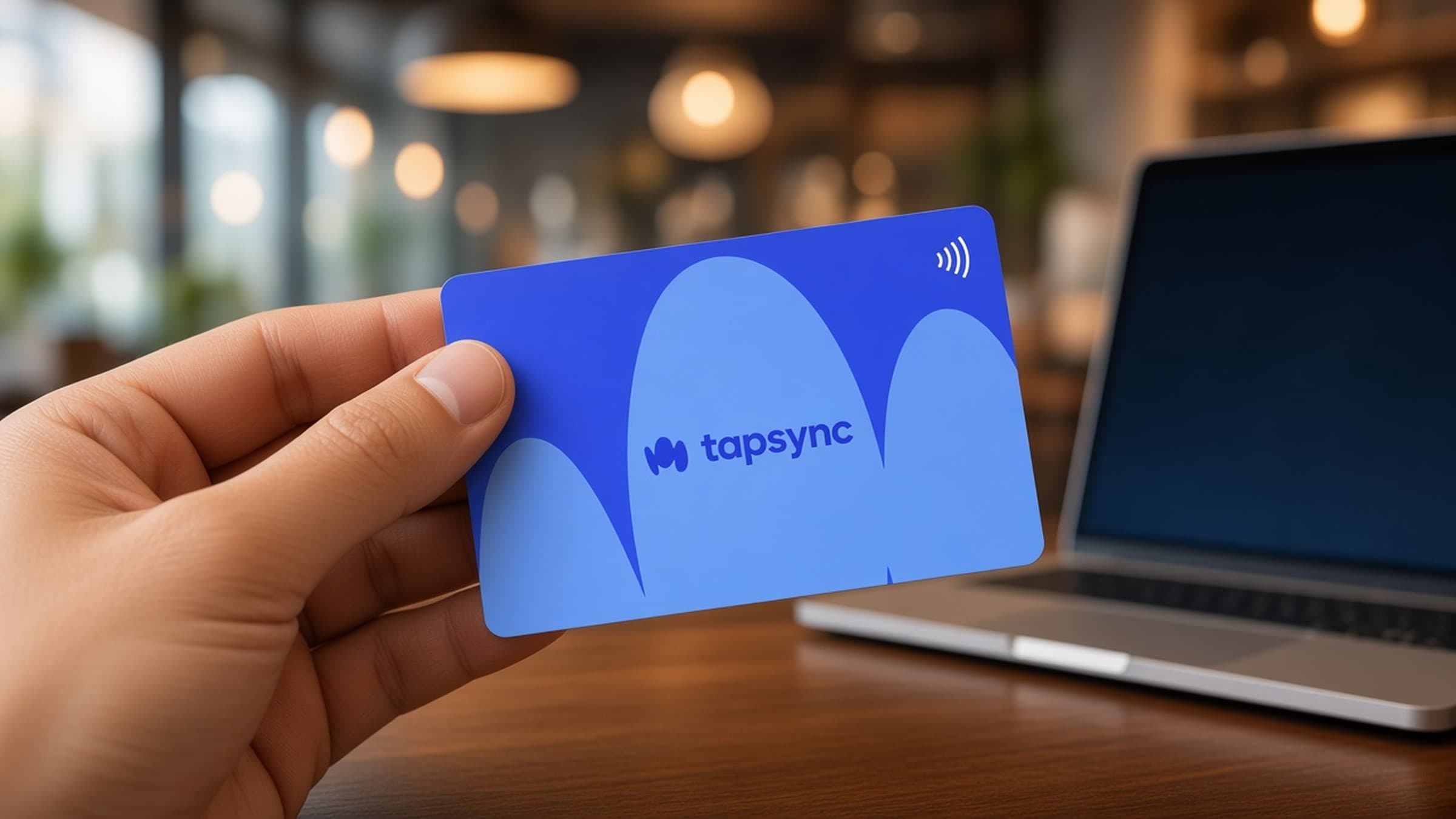
A hand holding a TAPSYNC digital card

Share your professional identity

They tap or scan. A page opens with the contact details and links you chose.

Explore digital cards
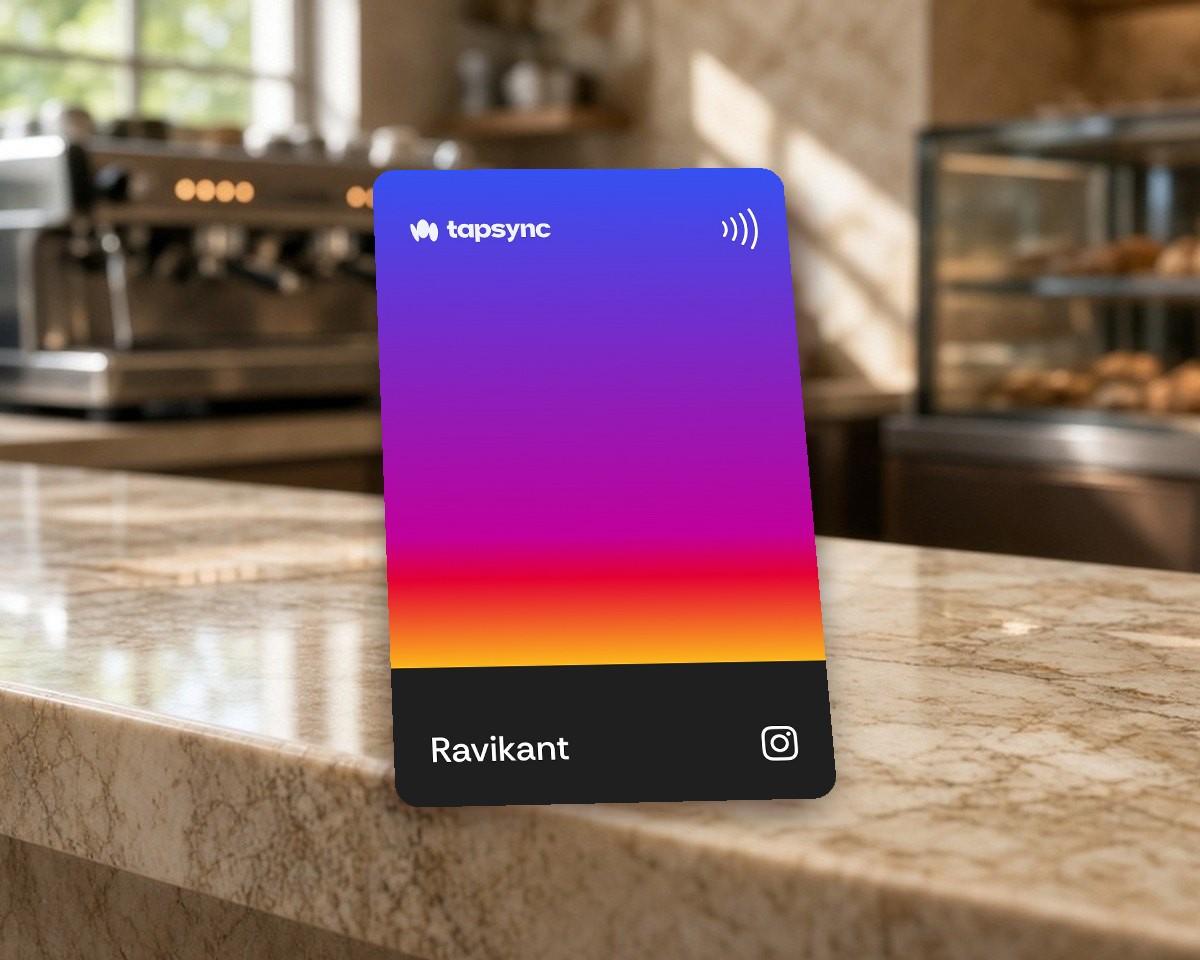
TAPSYNC Instagram card for Ravikant on a café counter

Grow your social presence

They tap or scan. One social profile opens, or a TapSync page if that is the card you ordered.

Explore social cards
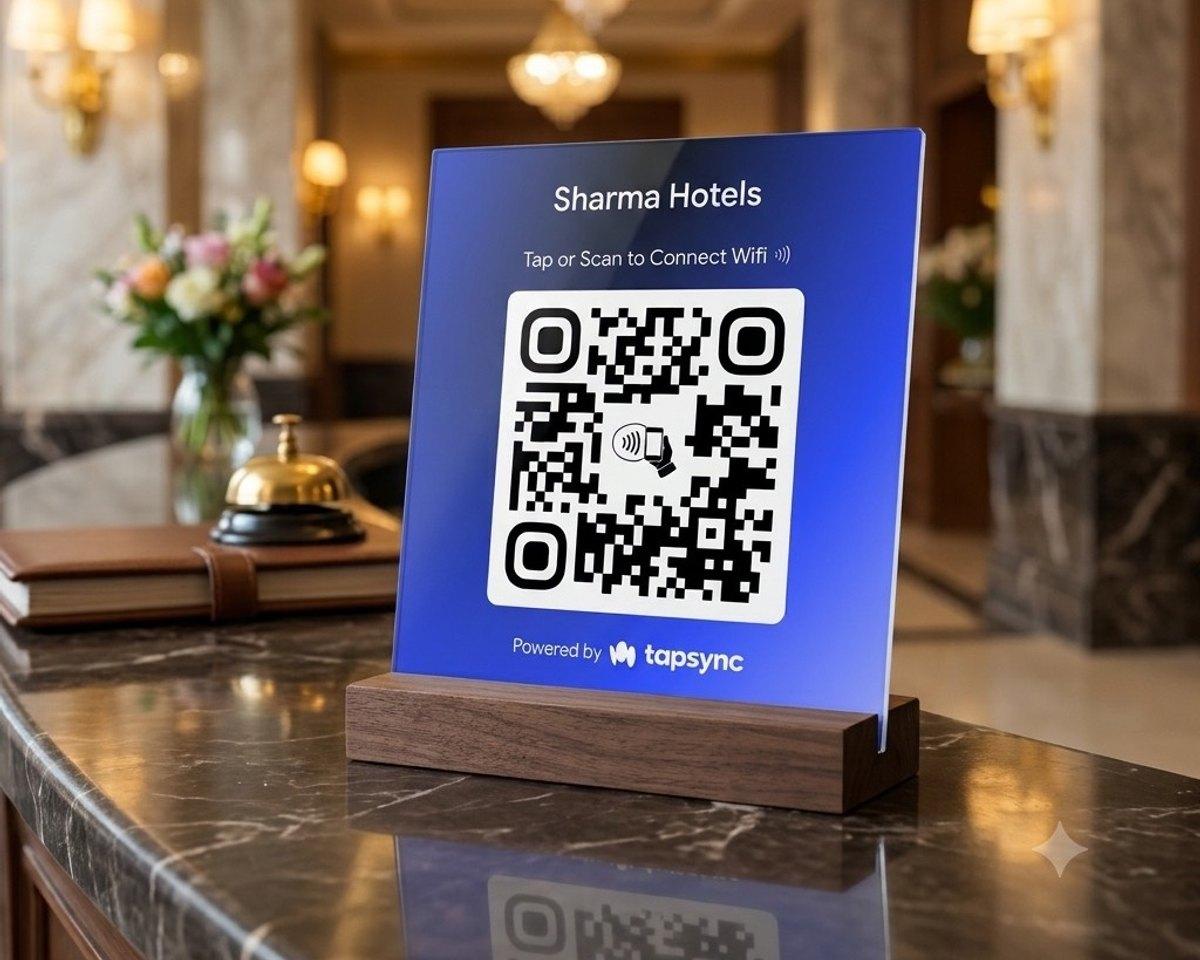
Smart Wi-Fi Tabletop for Sharma Hotels on a reception counter

Give guests easy Wi-Fi access

Android can tap. iPhone scans the QR. They join the network you configured. They do not type the password.

Explore Wi-Fi products
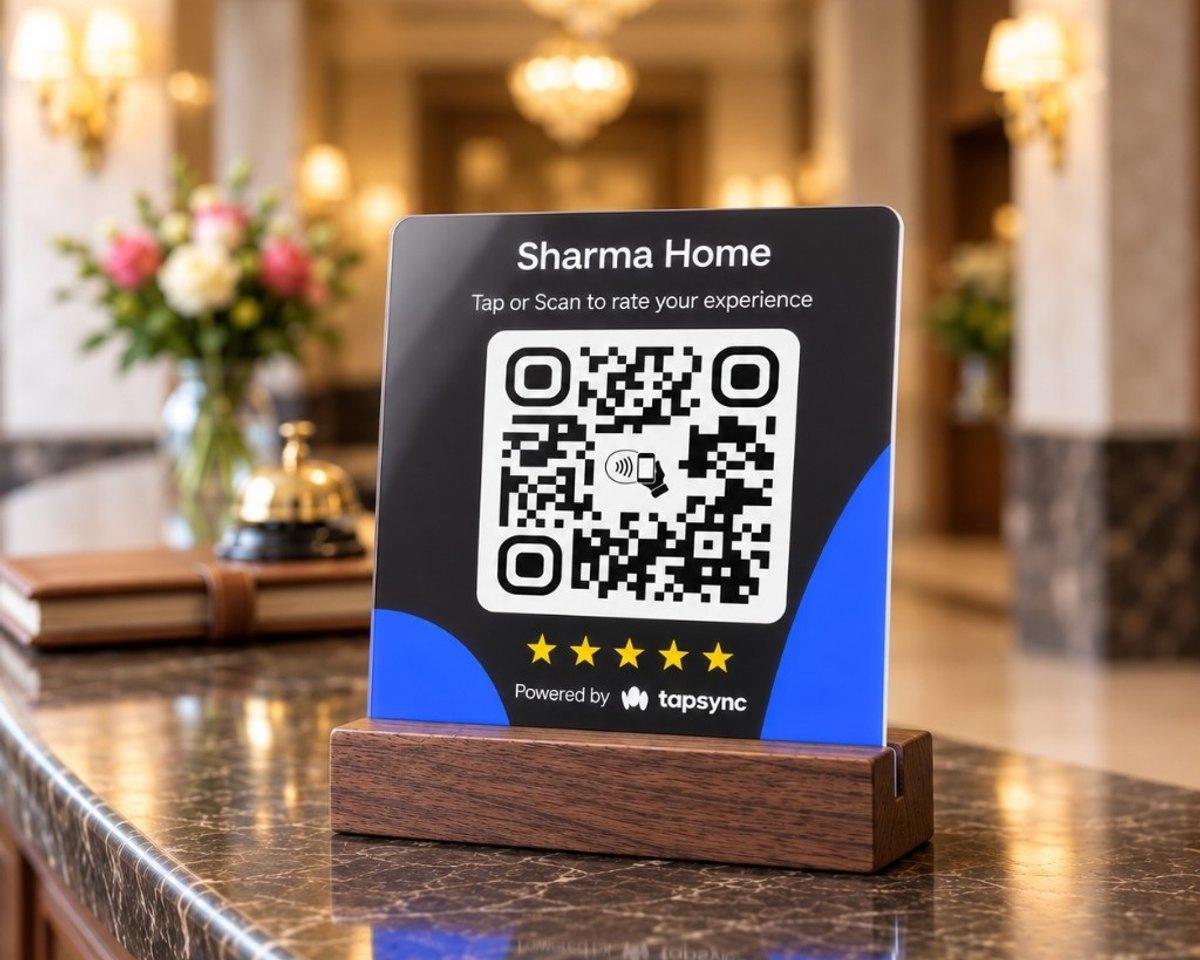
Google Review Tabletop Sign for Sharma Home on a hotel desk

Make leaving a Google review easier

They tap or scan. The write-a-review page for that business opens.

Explore Google Review

Price, GST, and delivery

The price in the table is the price of that object. It already includes GST. Checkout labels the total as including GST. Add a GSTIN there if you need it on the invoice. Shipping and GST.

Shipping across India is free. It is not a separate charge. International checkout is not listed. Objects are made to the configuration in the order, and the dispatch date is on the confirmation. This page does not promise a number of days.

There is no monthly software fee and no per-tap charge. Ordering more than one copy multiplies the unit price. A name, role, logo, or finish choice does not add a second charge in the current price list. A digital profile can also be created without buying a card. Create a profile.

Phones, and what you can change

A tap needs a phone with NFC, and NFC turned on. On many Android phones the centre of the back is a useful start. On iPhone, background reading of a link starts with iPhone XS. If a tap does not start, scan the QR. Smart Wi-Fi does not join from an iPhone tap. iPhone · How a tap works.

Digital Cards, Social Cards, and Google Review store a TapSync link, not the final app. You log in and change the page or the destination. The next tap opens the new one. You do not buy another object for a new number or handle. How to change details.

Smart Wi-Fi stores the join on the face. Saving a new network name or password updates what TapSync has on file. Guests keep the previous join until that face is re-encoded. It cannot be turned into a profile or Instagram. The owner QR on the back opens the login for that change.

The person who taps does not need a TapSync account. You do, if you want to change the destination later. Help.

Straight answers

What is an NFC card?

A card or stand with a chip. A compatible phone held near it can open whatever that product was configured to open. TapSync also prints a QR on the same object, so a camera scan reaches that destination when a tap is not available.

Do they need an app?

No. Their phone opens a browser, a social app they already have, the Wi-Fi join, or the Google review page. They do not create a TapSync account.

Is there a monthly fee?

No. Each object is a one-time price. The site prices include GST. Shipping across India is free. There is no per-tap charge. Changing a Digital, Social, or Review destination does not add a fee.

Will it work on my phone?

The phone needs NFC, and NFC has to be on, for a tap. If it has no NFC, or NFC is off, scan the QR. On iPhone XS and later, a link product can show a notification without a TapSync app. iPhone 7 through iPhone X should use the printed QR for that tap. Smart Wi-Fi does not join a network from an iPhone tap — those guests scan the QR. Android can tap or scan.

Can I change it later?

Digital Cards, Social Cards, and Google Review point at TapSync. Log in and change the page or the link. The next tap uses the new destination. You do not reprint. Smart Wi-Fi is different: a new network is saved on the account, and the face is re-encoded before guests join the new one.

Does the object need charging?

No. There is no battery. The phone powers the chip for the moment of the tap.