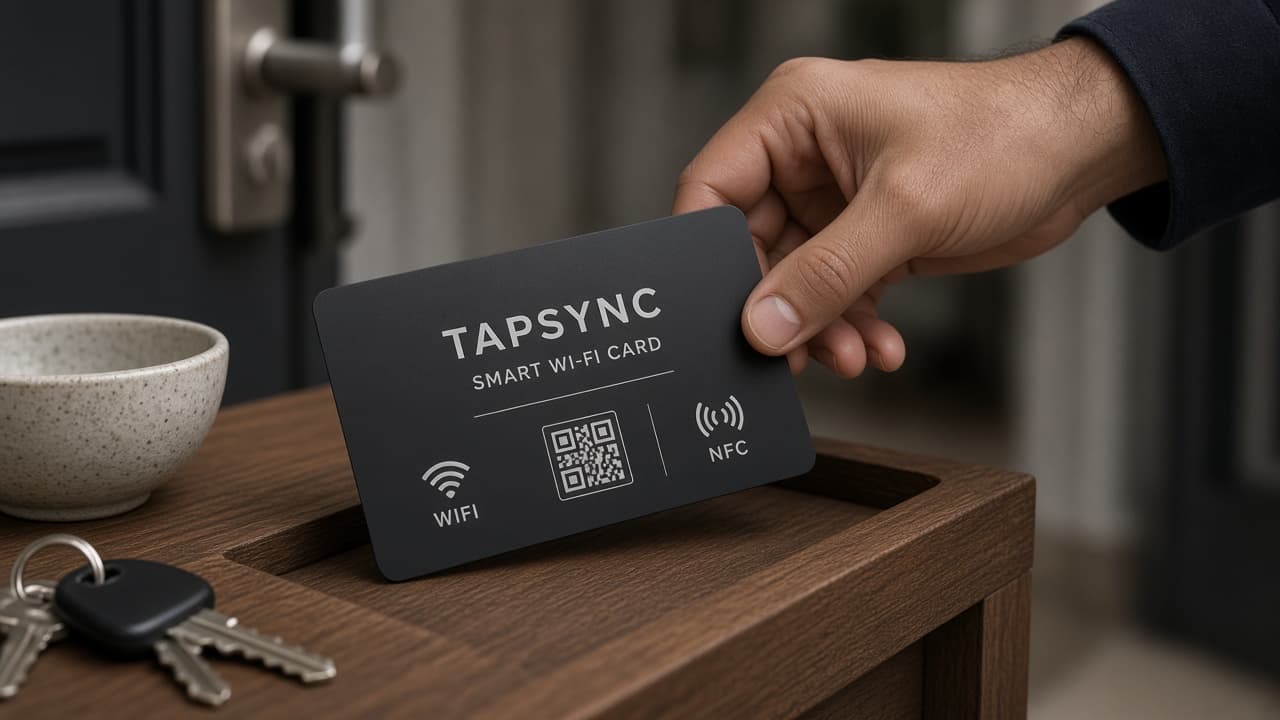
01
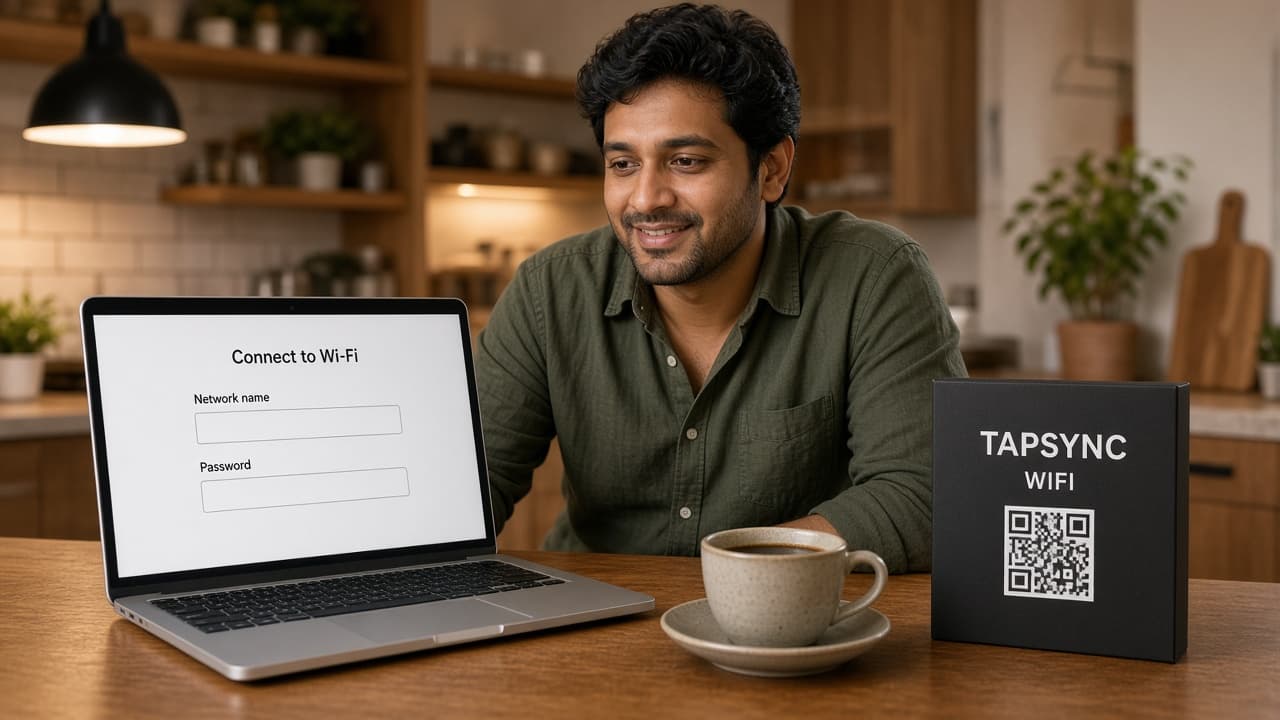
Two fields.
Network name and password. That is the whole setup. Guest network is fine.
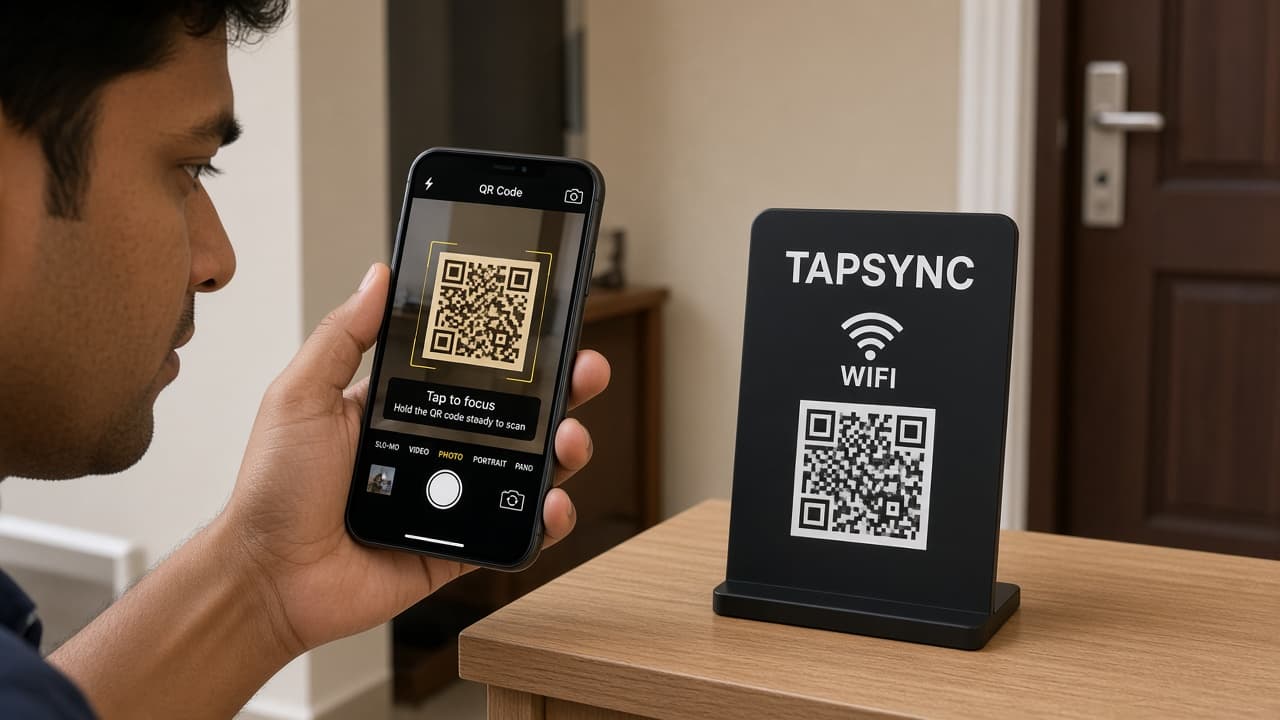
Smart Wi-Fi · Card & stand
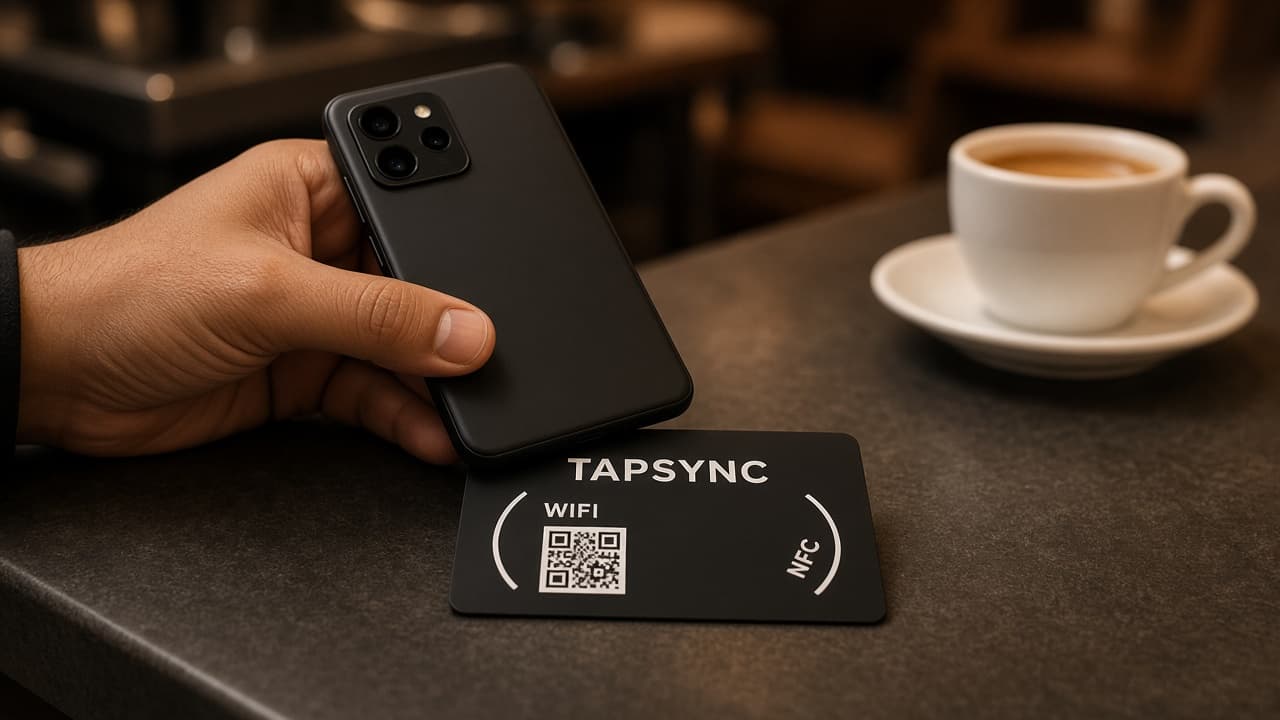
Android taps. iPhone scans the QR. Nobody asks. Nobody types. No app.
No app · Android NFC · iPhone QR · From ₹299
No app on their side
Android taps. iPhone scans.
Password stays with you
From ₹299 · one-time
01
Network name and password. That is the whole setup. Guest network is fine.
02
You do not write a chip. You do not install an app. We build the join into the card.
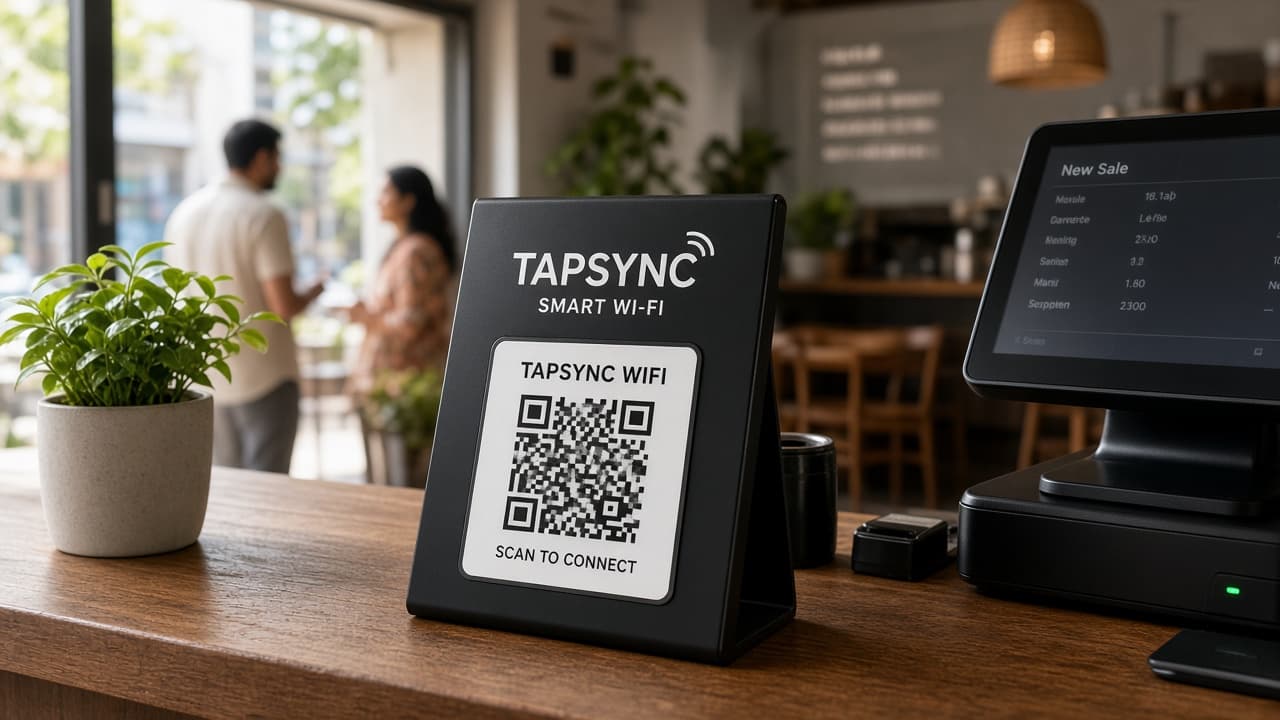
03
Door, table, counter, guest room. The object stays. The question stops.
04
Android taps. iPhone opens Camera on the QR. Nobody hears the password. Nobody types it.
They join without seeing it. No screenshot. No WhatsApp of the password. The network stays yours.
Their phone does the join. No TAPSYNC download. No account. No “how does this work?”
iPhone cannot tap a Wi-Fi chip the way it taps a TAPSYNC card. Camera on the QR. Same network.
New password. New router. Log in. Type two fields. Same card. You do not buy another.
The question always comes at the door.
Staff stop spelling it. Guests stop asking.
They unpack. They are already on.
Visitors connect themselves.
Patients sit down. They are online.
The object answers before anyone asks.
If the password changes, is the card dead? No. Log in. Type the new name or password. The same card now connects guests to that network. You do not buy another.
TAPSYNC
Guest network
Saved. The card on the table now joins this network.
01
The same account you used to order. Phone or laptop.
02
New router. New guest network. You type it once.
03
You do not buy another. Guests tap or scan the same object.
The QR on the back is a shortcut to the same login. Guests never see it. They only join Wi-Fi from the face.
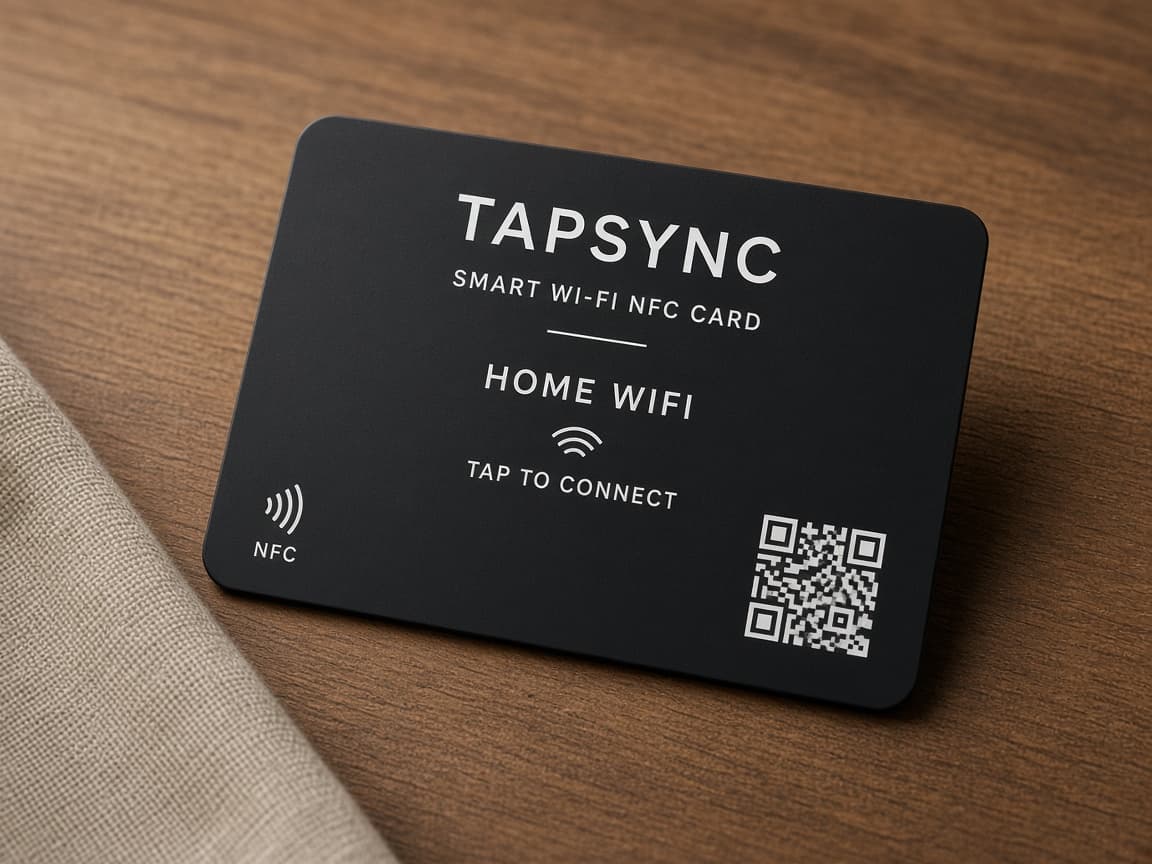
A card you can hand, or a stand that stays.
₹299
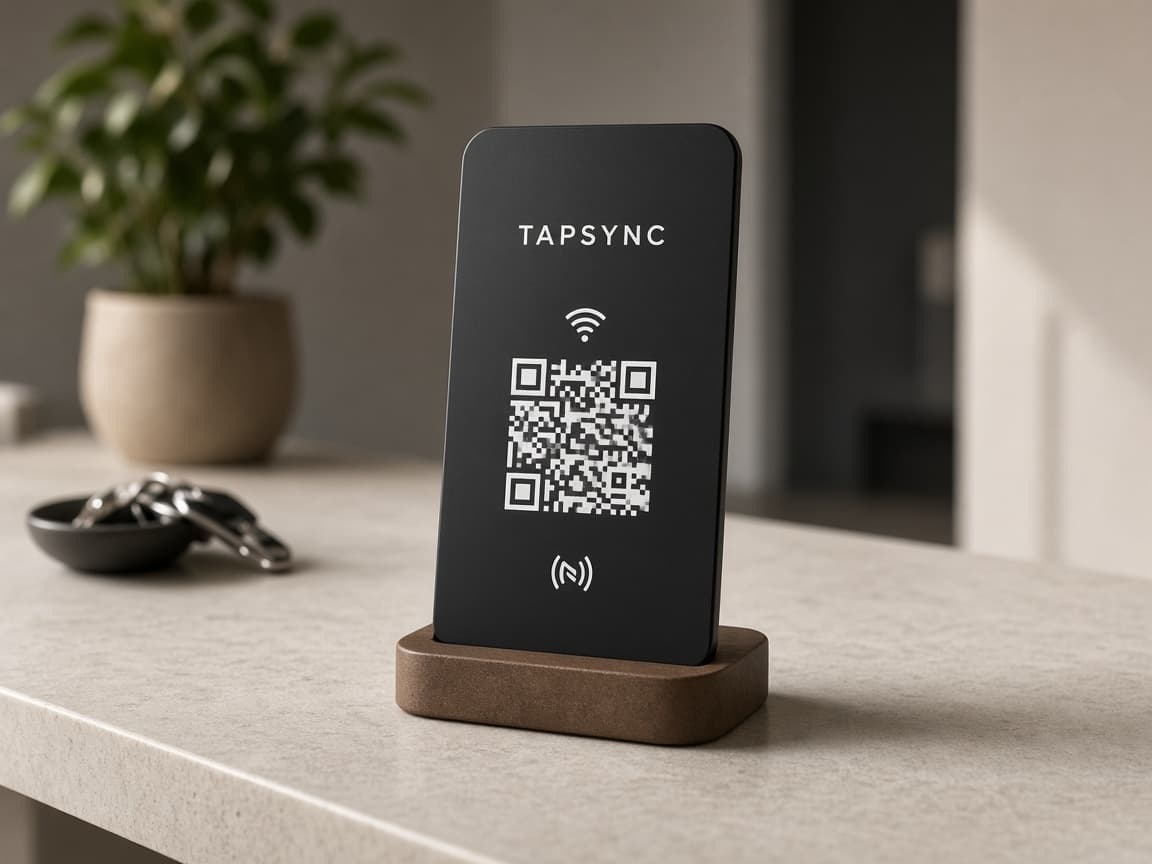
₹499
If yours is not here, write to hello@tapsync.in.
NFC is the same tap used for contactless payments. You do not need to understand it. Android guests hold their phone to the card. iPhone guests open Camera and scan the QR.
You tell us the network name and password. We encode that join on the card. Guests tap or scan. They are on the network. They never type the password.
Yes — they scan the QR with Camera. iPhone does not tap a Wi-Fi card the way it taps TAPSYNC Core, Premium or Signature. Android taps NFC. Everyone can scan.
No. Their phone does the join. No TAPSYNC account on their side.
You do not say it. They do not type it. The join is on the NFC and the QR. That is the point.
No. If you can type the Wi-Fi name and password, you can order this. We encode the card. You put it where people ask.
Yes. Use the name guests should actually join — guest mesh, JioFiber, whatever appears in Wi-Fi settings.
Yes, if you encode the SSID the phone should join. Same as any other network name.
Log in at tapsync.in. Type the new name and password. Same card — we update the join. You do not buy another. The QR on the back is a shortcut to that login.
Yes. Door, guest room, counter — same network, more than one TAPSYNC. Each one is a one-time purchase.
No battery. No charging. Guests join from the chip and the QR. You only need the internet when you log in to change the network.
No. Smart Wi-Fi is a one-time purchase. Card ₹299. Stand ₹499.
TAPSYNC Smart Wi-Fi
Card ₹299. Stand ₹499. One time. Two fields. We encode it.